PDF Merge Software Free: 6 Best Ways to Combine PDFs (Desktop, Online & Built-In)
Discover the 6 best free PDF merge software options for Windows, Mac, and browser. Compare offline desktop apps, built-in system tools, and zero-upload web tools.
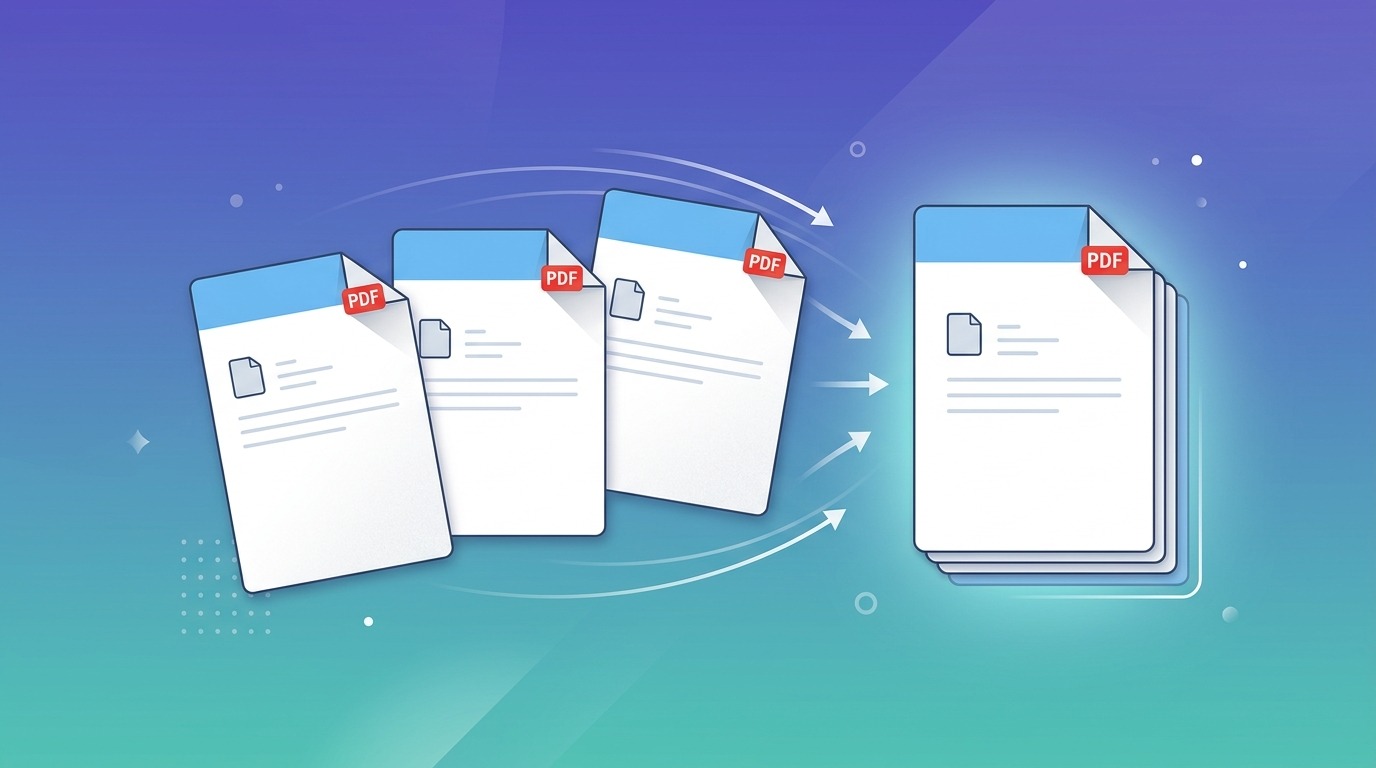
Use the Free Merge PDF Tool Now
Prefer to get straight to work? Skip the guide and use PixForgeStudio's free client-side tool directly on your device with zero cloud uploads and instant processing.
You have three separate PDF documents—a signed contract, a bank statement, and a cover letter—and you need to combine them into one seamless file for submission. Opening Adobe Acrobat greets you with a paywall: "Start your 7-day free trial or subscribe for $19.99/month."
Paying a recurring subscription just to join a few PDF pages together is completely unnecessary. Today, you have access to outstanding free PDF merge software options across Windows, Mac, Linux, and modern web browsers. But not all free tools are equal: many traditional websites quietly upload your sensitive documents to remote cloud servers, while others slap watermarks on your pages or cap you at two files per day.
In this comprehensive guide, we test and review the 6 best free ways to combine PDFs, analyze the privacy trade-offs between local and cloud processing, and provide a clear decision framework so you can pick the right tool for your specific workflow.
PixForgeStudio Merge PDF Tool
100% Free • In-BrowserCombine multiple PDF files into one clean document in seconds. Drag and drop to reorder pages with 100% private in-browser processing.
Quick answer: feature comparison of the top 6 PDF merge tools
Here is how the leading free desktop apps, web utilities, and operating system built-ins stack up side by side:
| Tool | Platform | Cloud Upload? | Daily Limit | Watermarks? | Best For |
|---|---|---|---|---|---|
| PixForgeStudio | Web (All Devices) | Zero Upload (100% Local) | Unlimited | None | Highest privacy, zero install, sensitive docs |
| PDFsam Basic | Windows, Mac, Linux | No (Offline App) | Unlimited | None | Open-source desktop power users |
| PDF24 Creator | Windows Desktop | No (Offline App) | Unlimited | None | Windows users wanting an all-in-one suite |
| Apple Preview | macOS (Built-in) | No (Native App) | Unlimited | None | Mac users who don't want to download any app |
| iLovePDF | Web Browser | Yes (Server Upload) | File size & task caps | None | Quick one-off merges of non-sensitive PDFs |
| Adobe Acrobat Online | Web Browser | Yes (Server Upload) | Account login required | None | Users already tied to Adobe Cloud accounts |
Detailed reviews of the 6 best free PDF merge tools
1PixForgeStudio Merge PDF (Our Top Pick)
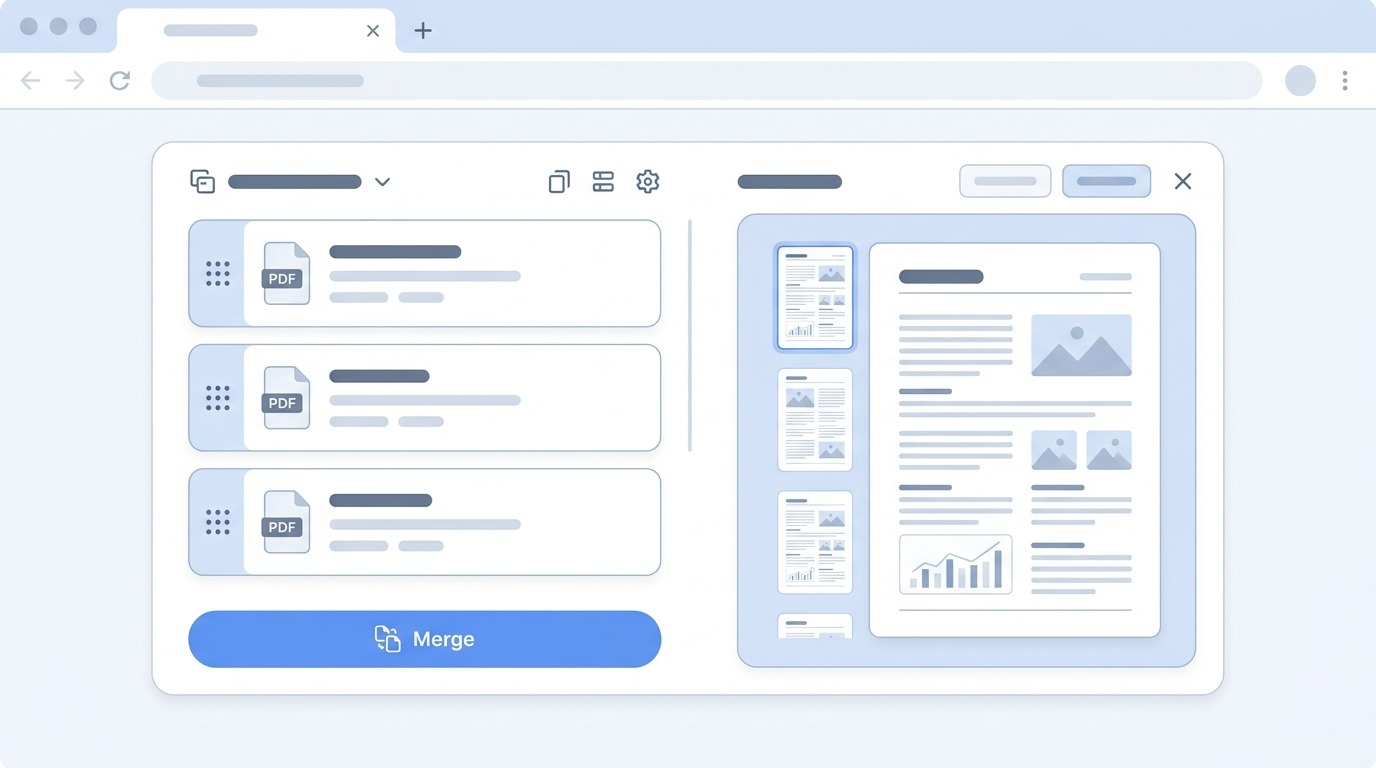
100% Private Client-SidePixForgeStudio re-imagines how web utilities work. Instead of uploading your documents to an unknown cloud server, the entire PDF concatenation process executes directly inside your browser using compiled WebAssembly. Your files never touch a server, meaning zero bandwidth latency, zero risk of data leaks, and zero artificial limits on page count.
PixForgeStudio Merge PDFs
100% Free • In-BrowserCombine multiple PDF files into one easily.
2PDFsam Basic (Open Source Desktop App)
Short for "PDF Split and Merge," PDFsam Basic is an open-source, offline desktop application available for Windows, macOS, and Linux. Because it runs locally on your workstation, it is well-suited for merging hundreds of high-resolution architectural blueprints or bulk legal case filings.
Cons: Requires installing desktop software (~70 MB download) and modern Java runtime.
3PDF24 Creator (Windows Offline Suite)
PDF24 Creator is a free Windows desktop utility that bundles dozens of PDF functions into a single installer. Its merge tool provides a clean drag-and-drop page viewer where you can reorder, rotate, and delete specific pages before merging.
Cons: Windows only; interface looks somewhat dated; requires local disk installation.
4Apple Preview (macOS Built-in)
If you are running a Mac, you already have an exceptional PDF merger pre-installed. Open your primary PDF in Preview, enable View > Thumbnails, and drag additional PDF files directly into the left thumbnail sidebar. Save the result as a new combined PDF.
Cons: macOS exclusive; lacks automated batch sequencing controls.
5iLovePDF (Cloud Web Tool)
iLovePDF is one of the most widely used web PDF portals. Its drag-and-drop interface is clean and snappy. However, because it operates on a cloud server architecture, your files must travel over the public internet to their data centers for processing.
Cons: Uploads files to remote servers; caps batch size on the free tier unless you upgrade.
6Adobe Acrobat Online Free Tool
Adobe offers a free browser-based PDF merger on its website. It uses the gold-standard Acrobat PDF rendering engine, ensuring complete fidelity with complex form fields and vector annotations.
Cons: Requires creating an Adobe account; limits free operations per month; uploads files to Adobe servers.
Privacy & security audit: why zero-upload matters
PDFs are rarely generic files. They typically contain tax returns (W-2s, 1040s), Social Security numbers, employment contracts, bank transactions, confidential patient medical records, or proprietary corporate agreements.
Traditional Server Upload Model
When you upload a PDF to standard cloud tools, the file traverses the public internet, is written to temporary server disk volumes, and processed by third-party workers. Even if deleted after 1 to 2 hours, temporary cache windows introduce severe compliance risks under GDPR, HIPAA, and corporate NDA protocols.
PixForgeStudio Client-Side Model
PixForgeStudio merges PDFs using client-side JavaScript and WebAssembly running solely inside your browser's isolated sandbox. You can literally turn off your Wi-Fi after loading the page, and the merger continues to operate smoothly. No server ever sees, processes, or logs your data.
Decision guide: which PDF merger should you pick?
Follow these quick recommendations based on your hardware, document sensitivity, and convenience needs:
For confidential tax, legal, or medical records:
Use PixForgeStudio Merge PDF for instant zero-upload web processing, or Apple Preview if you are on a Mac. Never upload sensitive identity papers to cloud server tools.
For heavy batch work on 200+ offline files:
Install PDFsam Basic (Mac/Windows/Linux) or PDF24 Creator (Windows) to handle massive multi-gigabyte queues without browser tab memory limits.
For mobile phones (iPhone or Android):
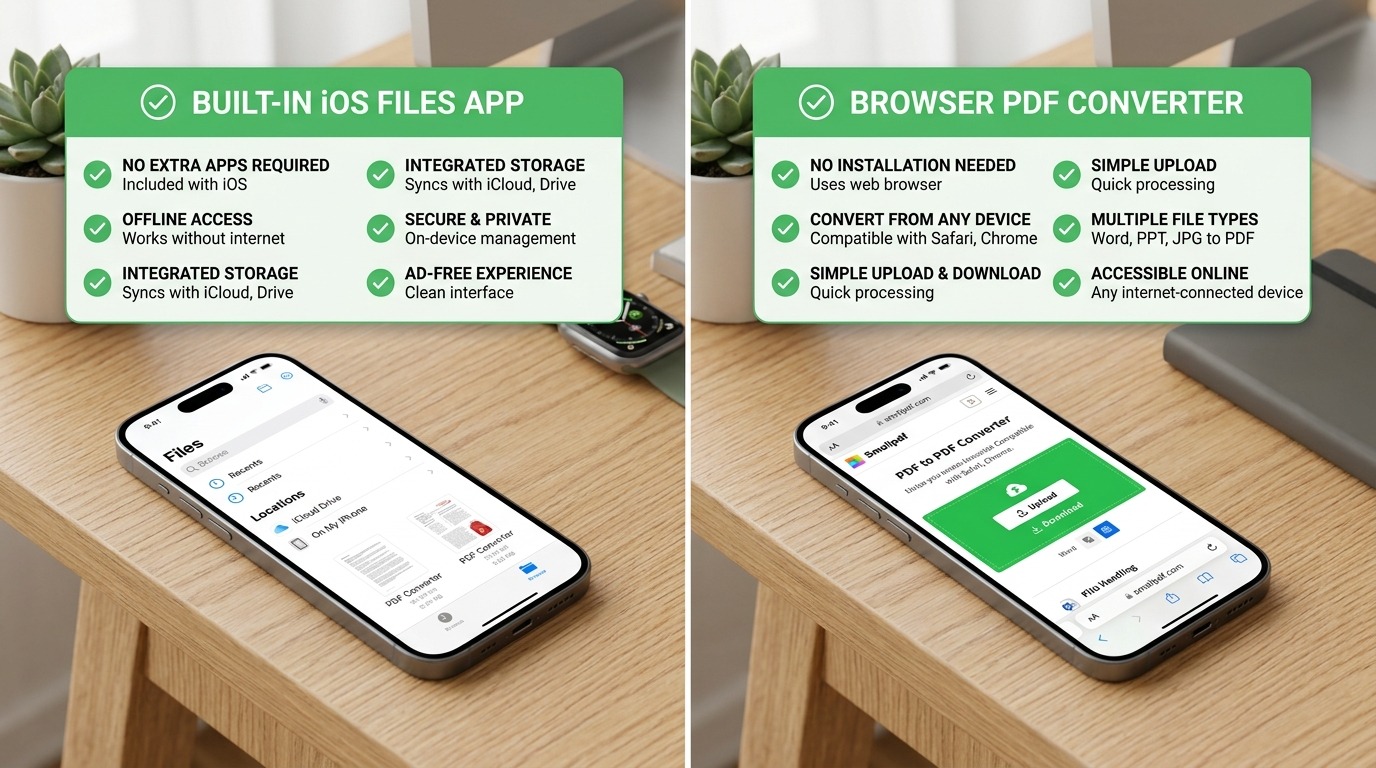
Open PixForgeStudio in Safari or Chrome on your phone. You can pick PDFs directly from your Files or Google Drive app and download a merged copy in seconds without downloading a separate mobile app.
Frequently asked questions about free PDF merge software
What is the best 100% free PDF merger with no watermarks?
PixForgeStudio Merge PDF is our top recommendation for web users because it requires no installation, has zero watermarks, imposes no daily caps, and processes everything in your browser without uploading your files. For an offline desktop application, open-source PDFsam Basic is the gold standard.
Is it safe to merge confidential bank statements or tax forms online?
Only if the tool uses client-side local browser execution. Traditional online PDF tools upload your documents to remote cloud storage where third-party administrators could potentially access them. With PixForgeStudio, your documents never leave your physical device.
Can I merge password-protected PDF files?
Encrypted PDFs require unlocking before merging. If a PDF is protected with an owner or user password, enter the password to decrypt the stream first, and then combine the unlocked pages into your master document.
Does merging multiple PDFs reduce page quality or text sharpness?
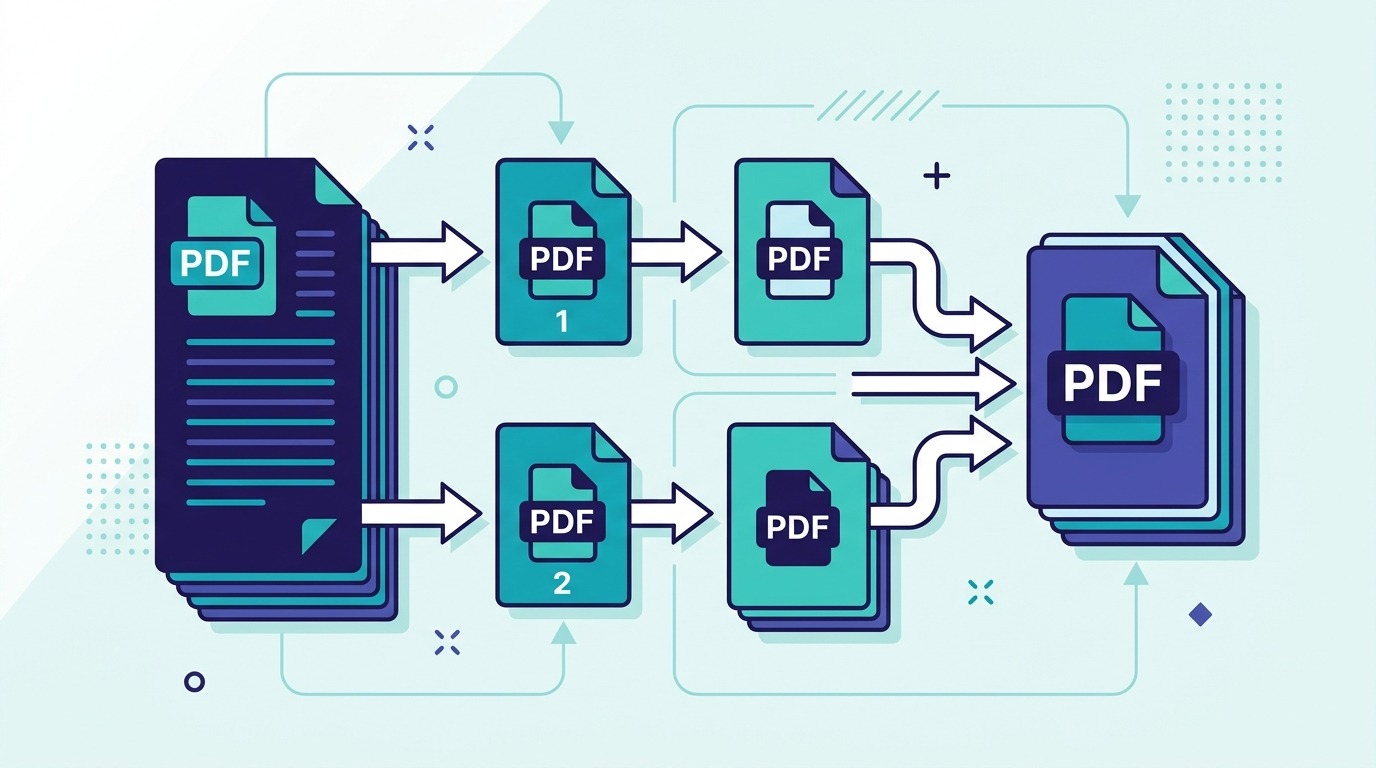
No. Merging combines the underlying PDF page dictionary objects, vector fonts, and embedded images losslessly. Text remains sharp, vector illustrations stay vector, and bookmarks or outlines are preserved.
PixForgeStudio Merge PDFs
100% Free • In-BrowserCombine multiple PDF files into one easily.
Explore All 140+ Free Tools
PixForgeStudio offers 140+ free browser-based tools: PDF editor & viewer, image compressor, video trimmer, audio transcriber, converters, and calculators. 100% private — zero file uploads.
Browse All Tools