Image Compressor
Reduce image file size while keeping quality.
Drop images here to compress
Supports JPG, PNG, WebP & more. Batch compression supported.
About Image Compressor
Compress your JPG, PNG, and WebP images to save disk space and improve website loading times using smart compression.
Your files and data are processed locally in your browser memory. Never uploaded to remote servers.
Instant access with no account, no email sign-up, no passwords, and no subscription paywalls.
Powered by modern WebAssembly and native web APIs for near-instant rendering and zero latency.
Zero data retention, no user tracking cookies, and GDPR/HIPAA friendly. Your data remains strictly yours.
Fully responsive on desktop, tablet, and mobile devices without installing software or extensions.
Client-Side Image Processing & Pixel Manipulation
Modern digital imagery encompasses diverse compression algorithms, color spaces, and container formats including raster standards (PNG, JPEG, WebP, AVIF) and vector graphics (SVG). PixForgeStudio executes image processing utilizing high-performance HTML5 Canvas APIs, OffscreenCanvas workers, and modern WebAssembly image codecs. This empowers users to resize, compress, crop, convert, and edit visual assets directly on their GPU and CPU without bandwidth overhead or quality degradation.
When you open an image file, the browser decodes its raw pixel array into an ImageData buffer. Transformation routines—such as bi-cubic interpolation resizing, chroma subsampling adjustments, EXIF metadata stripping, and format trans-coding—are applied pixel-by-pixel in client memory. By running compression algorithms natively on your computer or phone, you can preview real-time visual fidelity and file size reductions side-by-side before downloading the final output.
Common Workflows & Real-World Use Cases
Web Performance & Core Web Vitals Optimization
Compress bulky JPEG and PNG graphics into modern WebP format with optimal compression ratios to slash Largest Contentful Paint (LCP) times on websites.
E-Commerce Product Catalog Preparation
Batch resize product imagery to uniform square dimensions and strip unnecessary color profile bloat for lightning-fast online store storefronts.
Social Media & Profile Formatting
Crop and scale portraits, banners, and promotional artwork to exact pixel specifications for YouTube, LinkedIn, Instagram, and Twitter.
Confidential Document & ID Redaction
Crop sensitive identification cards, passports, and utility bills locally before submitting them for verification, ensuring full metadata removal.
Technical Execution Lifecycle & Sandbox Processing
Client Decoding
Raw image bytes are parsed and decoded into an uncompressed RGBA pixel buffer directly in local memory.
Offscreen Processing
Transformations and color adjustments run in a background Web Worker thread using hardware-accelerated OffscreenCanvas.
Adaptive Encoding
High-performance WebAssembly encoders (such as libwebp or mozjpeg) quantize pixel matrices to your chosen quality level.
Instant Download
The optimized image is converted to a local Blob URL for immediate saving without uploading a single pixel to the cloud.
Cross-Browser Compatibility & Local Sandbox Performance
Compatible with all modern browsers supporting HTML5 Canvas and WebGL acceleration. Multi-threaded processing takes advantage of Web Workers to ensure seamless UI responsiveness even when processing high-resolution 24MP+ photographic files on mobile smartphones.
Pro Tips & Best Practices for Image Compressor
- Format Selection: Choose PNG for graphics with typography, sharp geometric edges, or alpha transparency. Choose modern WebP or JPG for rich photographic scenes.
- Next-Gen Formats: Converting older JPG files to WebP typically reduces payload size by 25% to 35% with zero perceptible loss in visual quality.
- Lossless Optimization: When preparing assets for production websites, strip unneeded camera metadata and color profiles to maximize Core Web Vitals speed.
- High-Resolution Handling: If editing extremely large multi-megapixel photos on mobile devices, close background browser tabs to grant maximum RAM to the browser.
Client-Side Processing vs Traditional Cloud Upload Services
| Feature / Metric | PixForgeStudio (In-Browser) | Traditional Cloud Services |
|---|---|---|
| Confidentiality | Photos processed strictly in browser memory. | Images uploaded and temporarily cached on remote file servers. |
| Processing Speed | Instant local transformation without network round-trips. | Delays caused by file uploading, server queues, and downloading. |
| Watermarking & Branding | Clean, unaltered output with zero watermarks. | Often stamps prominent watermarks on free tier conversions. |
| Batch Processing | Convert dozens of images concurrently on local CPU. | Frequently restricts free users to 1–2 files per batch. |
Client-Side Data Retention & Compliance Guarantee
Images frequently harbor sensitive location coordinates, timestamps, and camera serial numbers within their embedded EXIF metadata tags. By manipulating images purely in your local browser sandbox, confidential photos, product mockups, and personal snapshots remain completely private. No third-party scraper, ad tracker, or external AI model has access to your visual assets.
How to Use
- Upload one or more images.
- Adjust the compression slider if needed.
- Review the size savings.
- Download the compressed images.
Frequently Asked Questions
Related Tools
Recommended In-Depth Guides & Tutorials
Master step-by-step workflows, best practices, and expert tips for Image Compressor.
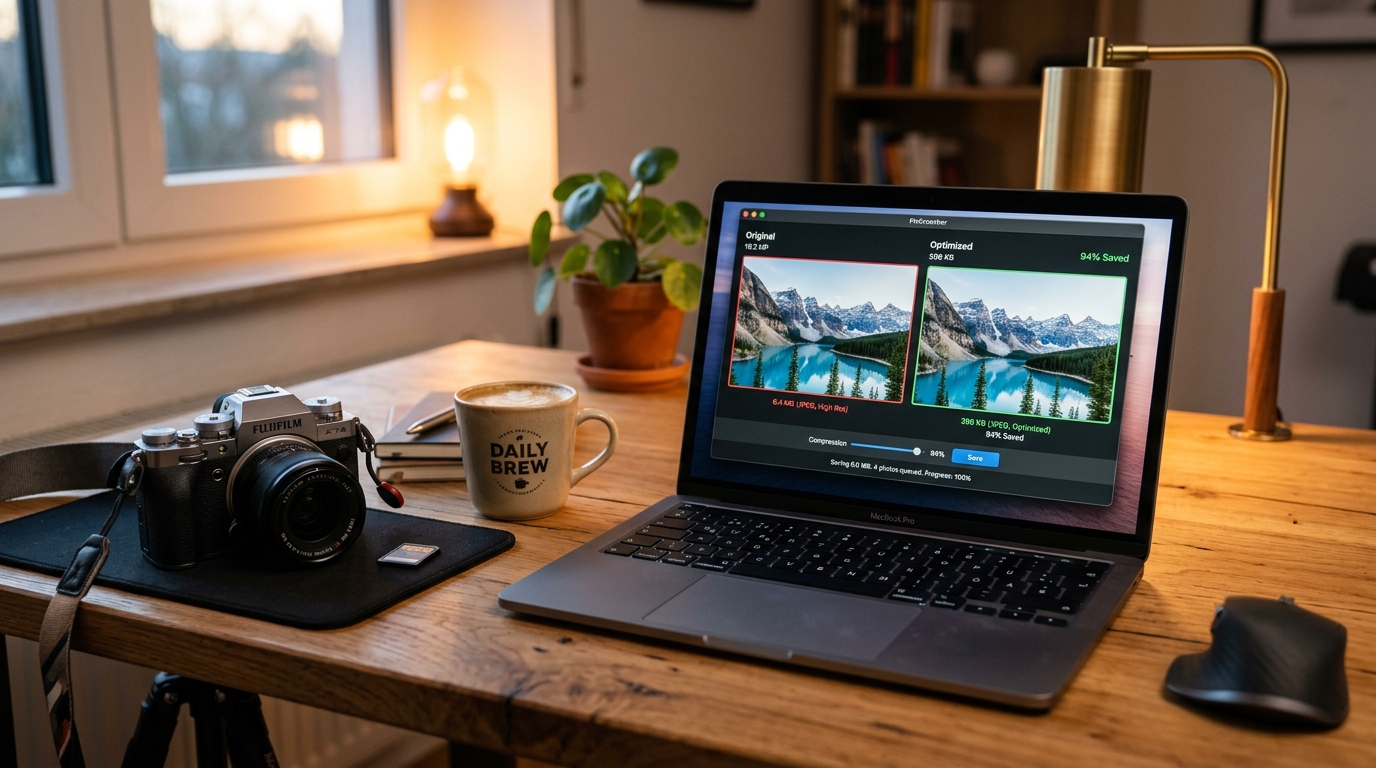
JPG Image Compress: How to Reduce Image Size to KB or 2MB Without Losing Quality
Learn how to compress JPG images to 200 KB, 500 KB, or under 2 MB without blurry results. Step-by-step methods for web, email, PowerPoint, and passports.
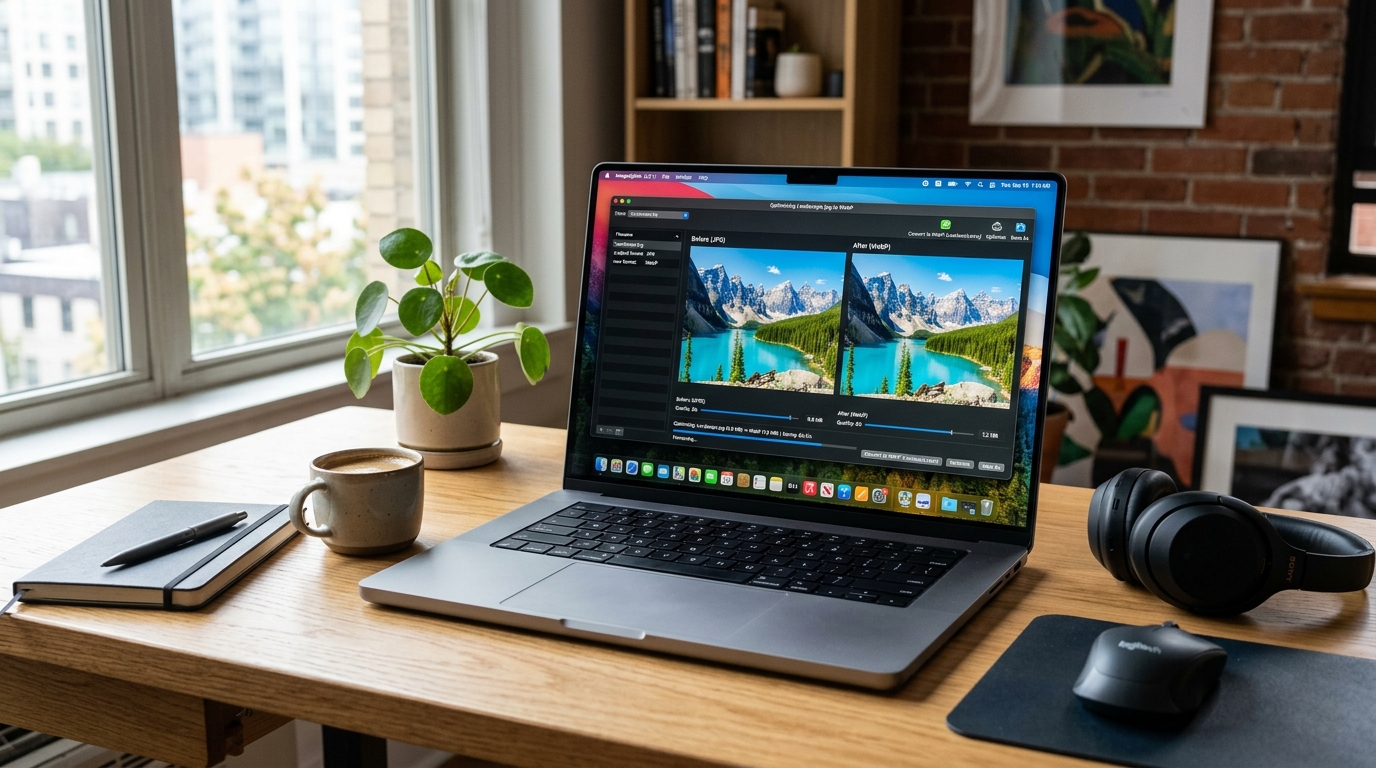
JPG to WebP: How to Convert Images and Make Your Website Faster
Convert JPG to WebP to shrink image sizes by 25–35% without losing visible quality. Boost Core Web Vitals, improve SEO rankings, and speed up page load.

Image to PDF Converter: Turn JPG, PNG & TIFF Images into One PDF (Free)
Convert JPG, PNG, and TIFF images into a single organized PDF document. Set custom page sizes (A4, Letter), margins, orientation, and reorder pages easily.