Bulk File Rename
Make rename scripts for multiple files with ease.
Bulk File Renamer
Rename multiple files at once. Files remain on your device.
About Bulk File Rename
Add prefixes, suffixes, or numbers to file lists. Generate a quick script to run safely on your computer.
Your files and data are processed locally in your browser memory. Never uploaded to remote servers.
Instant access with no account, no email sign-up, no passwords, and no subscription paywalls.
Powered by modern WebAssembly and native web APIs for near-instant rendering and zero latency.
Zero data retention, no user tracking cookies, and GDPR/HIPAA friendly. Your data remains strictly yours.
Fully responsive on desktop, tablet, and mobile devices without installing software or extensions.
Browser-Based File Management, Archiving & Data Virtualization
File manipulation utilities—including ZIP archive compression, archive extraction, batch file renaming, and tabular spreadsheet inspection—traditionally require installed desktop utilities or risky cloud upload portals. PixForgeStudio leverages HTML5 File System Access APIs, Web Streams, and optimized binary decompression algorithms running directly in WebAssembly to manipulate file streams locally within browser memory.
When you drop archives or bulk files into our tools, the browser creates virtual File and Blob pointers without reading the entire dataset into memory simultaneously. ZIP archives are unpacked by reading the central directory record and deflating compressed byte blocks on demand. Batch file renaming applies regex pattern substitutions against file name strings in real time and packages the updated files into a streamable download package without remote transmission.
Common Workflows & Real-World Use Cases
ZIP Archive Creation for Email Attachments
Compress collections of documents and images into compact .zip archives to easily stay under corporate email attachment size limits.
Unpacking ZIP Archives on Mobile Devices
Extract compressed ZIP files directly on iPhones, iPads, and Android devices without installing third-party file manager utilities with adware.
Bulk File Renaming & Organization
Rename hundreds of camera photos or invoice files using regular expressions, incremental numbering, date stamps, and custom prefixes in seconds.
High-Performance Tabular CSV Inspection
View, sort, and search multi-megabyte CSV and TSV files with virtualized rendering directly in your browser without launching Excel.
Technical Execution Lifecycle & Sandbox Processing
Virtual File Reference
Dropped files are mapped as local File object handles in the browser sandbox without copying bytes across networks.
Binary Stream Parsing
ZIP headers, central directories, and compressed Deflate byte blocks are parsed in memory using optimized TypedArrays.
Client Extraction / Renaming
Files are unpacked or string substitution patterns are applied across file metadata concurrently on local CPU cores.
Streamed Download
The finalized package streams directly to your downloads directory. Browser memory is reclaimed as soon as processing completes.
Cross-Browser Compatibility & Local Sandbox Performance
Leverages modern HTML5 File and Blob Web APIs supported in all major desktop and mobile browsers. Large archive operations automatically stream decompressed bytes to maintain low memory overhead.
Pro Tips & Best Practices for Bulk File Rename
- Batch Renaming Patterns: Use regex capture groups ($1, $2) to reorder date formats or extract key identifiers from filenames systematically.
- Memory Management: When extracting multi-gigabyte ZIP archives, ensure your browser has sufficient available RAM to assemble large output files.
- Deflate Compression: Standard Deflate compression provides optimal compatibility across Windows Explorer, macOS Archive Utility, and Linux unzip.
- Tabular Inspection: Use client-side CSV viewer to verify column headers, row counts, and data types before importing data into production databases.
Client-Side Processing vs Traditional Cloud Upload Services
| Feature / Metric | PixForgeStudio (In-Browser) | Traditional Cloud Services |
|---|---|---|
| Data Privacy | 100% In-Browser. Folders and archives stay local. | Gigabytes uploaded to unknown third-party cloud servers. |
| Processing Speed | Instant local extraction bounded only by SSD speed. | Constrained by slow internet upload and download speeds. |
| Batch Size Limits | Unlimited file batches limited only by local device RAM. | Restricts free tiers to 5–10 files or requires subscriptions. |
| Software Installation | Runs instantly in modern web browsers with zero installation. | Requires installing proprietary desktop software with ad bloat. |
Client-Side Data Retention & Compliance Guarantee
Archive files often contain confidential business invoices, personal tax filings, and sensitive photos. Operating locally ensures that your directory structures, file contents, and naming schemes remain strictly private on your physical device. Nothing is cached on external servers or logged in remote telemetry databases.
How to Use
- Drag and drop your files to list them.
- Define your renaming rules (prefix, replace text, enumerate).
- Preview the new names.
- Download the script to run locally.
Frequently Asked Questions
Related Tools
Recommended In-Depth Guides & Tutorials
Master step-by-step workflows, best practices, and expert tips for Bulk File Rename.

JPG Image Compress: How to Reduce Image Size to KB or 2MB Without Losing Quality
Learn how to compress JPG images to 200 KB, 500 KB, or under 2 MB without blurry results. Step-by-step methods for web, email, PowerPoint, and passports.
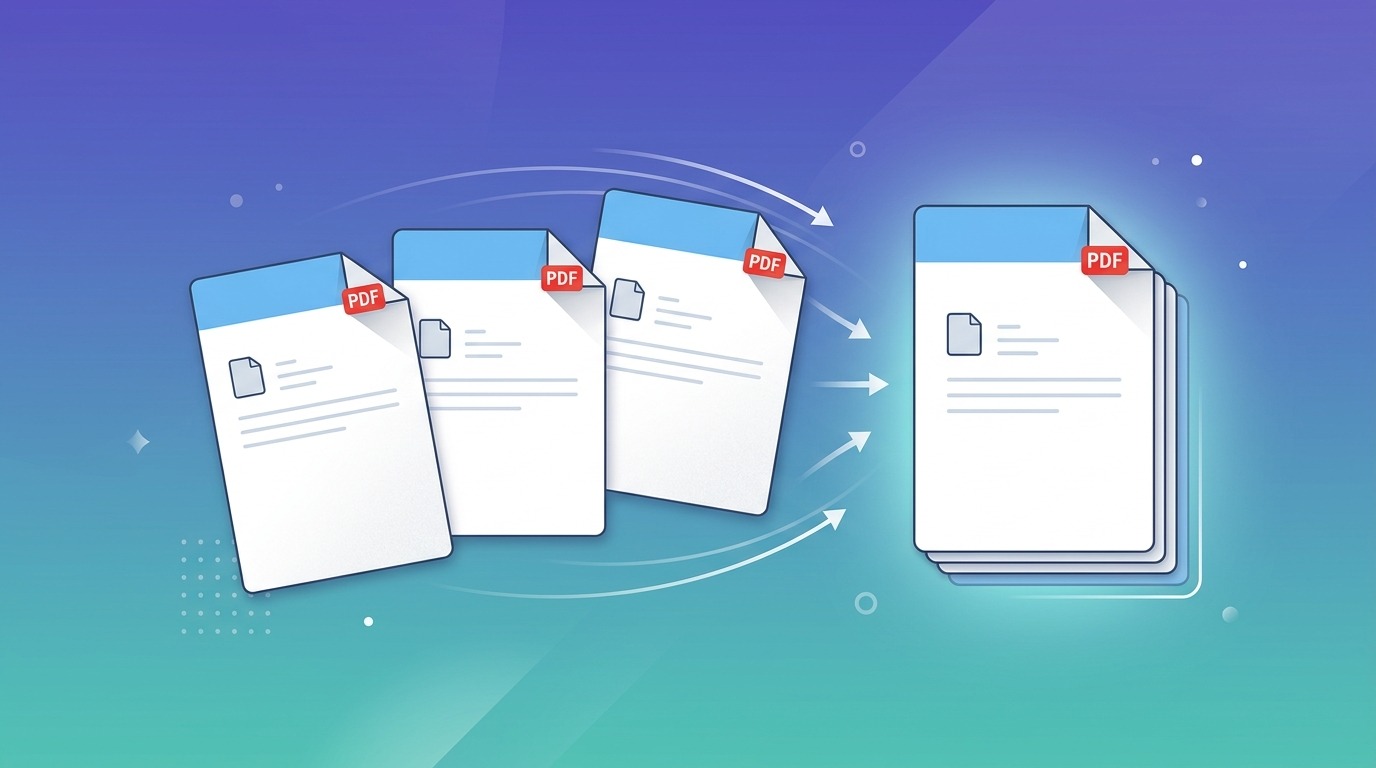
PDF Merge Software Free: 6 Best Ways to Combine PDFs (Desktop, Online & Built-In)
Discover the 6 best free PDF merge software options for Windows, Mac, and browser. Compare offline desktop apps, built-in system tools, and zero-upload web tools.
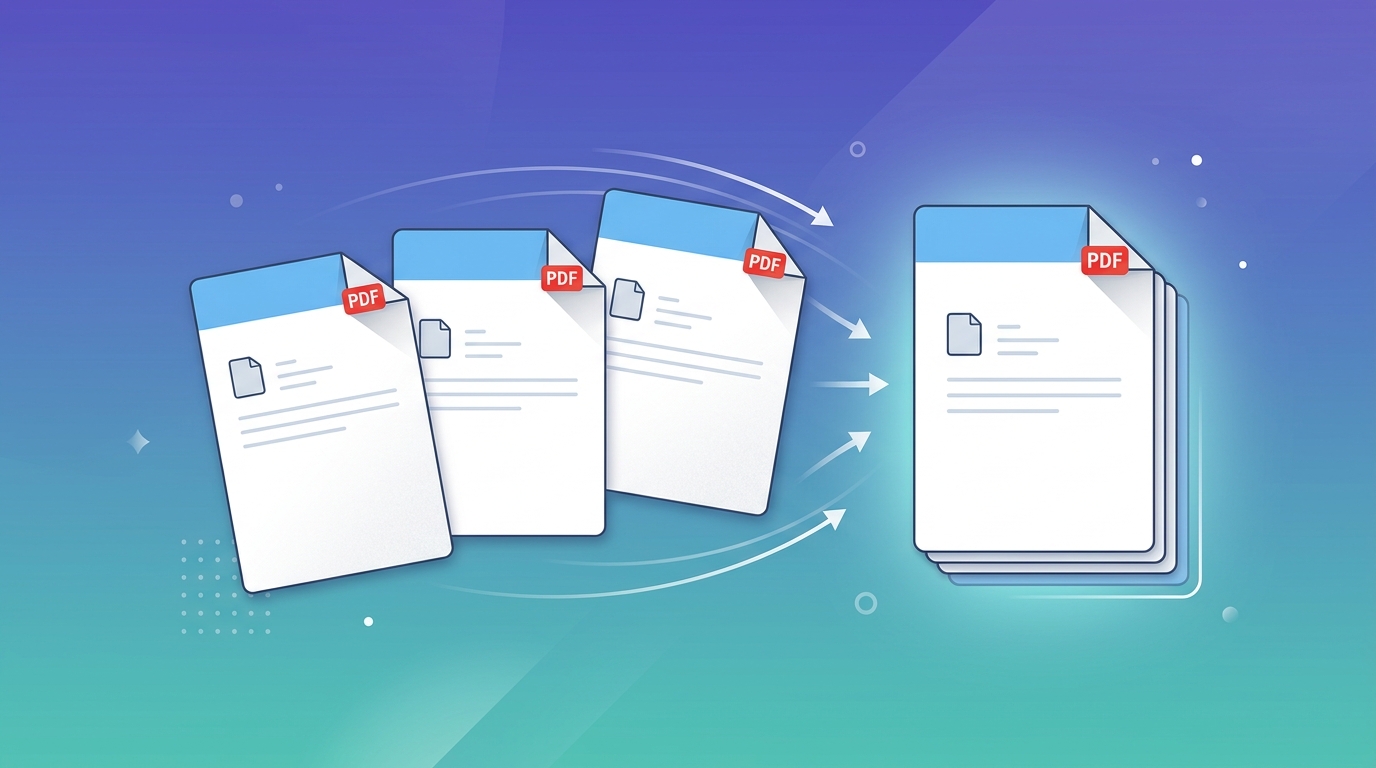
Merge PDF Document: How to Combine PDF Files for Free (No Upload, No Signup)
Merge PDF documents into one file in seconds. Reorder pages, combine unlimited PDFs, and download free. Files stay on your device. No signup.